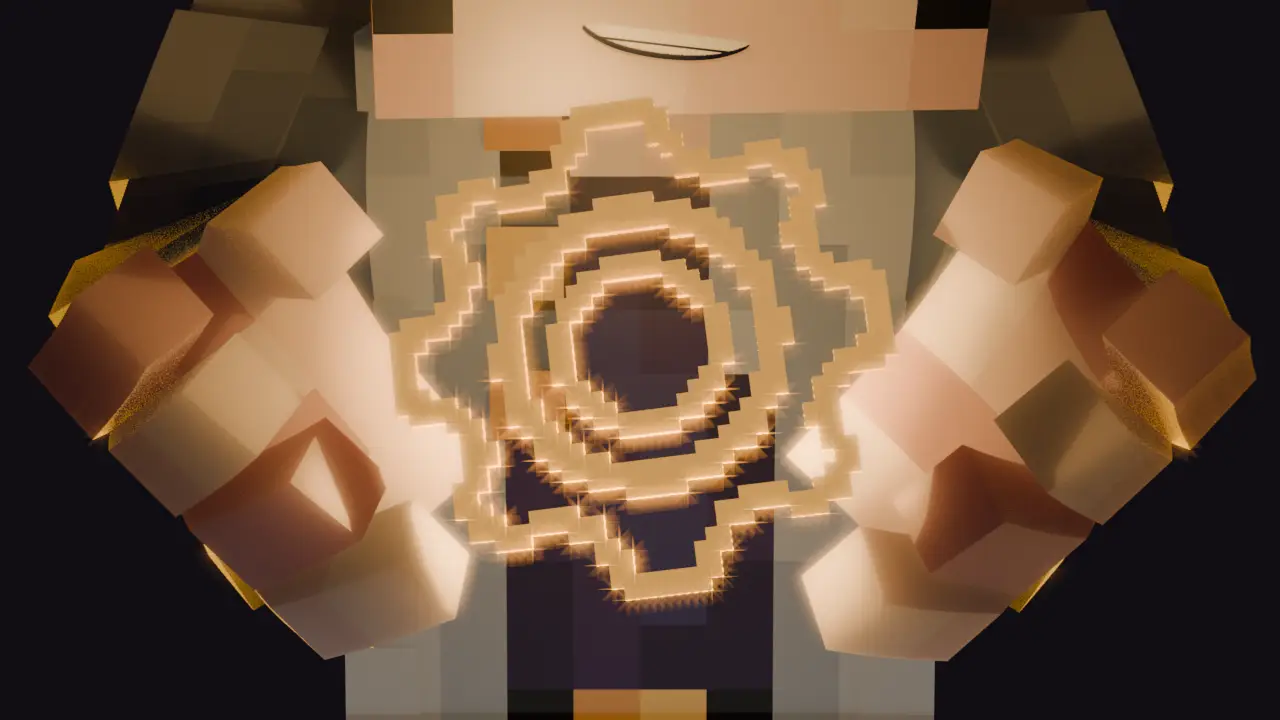


HollowEngine is a powerful content creation engine for Minecraft. It provides an integrated development environment with both text-based Kotlin scripting and visual programming capabilities for creating NPCs, events, game modifications, and interactive experiences.
- In-game IDE with syntax highlighting and code analysis
- Auto-completion and IntelliSense support for Kotlin scripts
- Scratch-like visual programming with drag-and-drop code blocks
- Real-time script compilation and execution
- Embedded resourcepacks & datapacks loader
- Advanced NPC creation with glTF model support
- Custom models, textures, and animations
- Component-based NPC system for extensible behaviors
- NPC actions: movement, look control, teleport, animations
- Item interactions, requests, and drops
- Dialogue system with branching conversations
- NPC trading system
- Quest system integration
- Camera control system for cinematics
- Scene management and world manipulation
- Particle effects and visual effects
- Post-processing shaders
- Smooth transitions between scenes
- Comprehensive event handling system
- Player interaction events (join, death, etc.)
- Custom command system
- Component system for server, entities and levels
- Block-based coding interface
- Variable management (set/get operations)
- Function creation and calling
- Event-driven programming
- Loop structures (while, repeat)
- Logic and control flow blocks
- Execution context serialization
- Built on Minecraft 1.20.1 for Forge & Fabric
- Kotlin 2.3.0 with coroutines support
- Install: Download HollowEngine JAR and place in your
mods/folder - Setup: Place
HollowEngineCompiler.jarinhollowengine/directory for full features - Launch: Start Minecraft
- Create: Open the in-game IDE in top left corner of screen to start creating content
- 📚 Documentation - Comprehensive guides and API reference
- 💬 Discord Community - Get help and share creations
- 💬 Telegram Channel - Devlogs and updates
- 🤖 AI Wiki Assistant - Interactive help